A clash-free model you can hand over.
Your design software can't model every pipe connection and wall opening, so your checker flags correct designs as clashes. Owry adds that detail automatically. You hand over a model with zero clashes. You set the rules, and every change is logged.
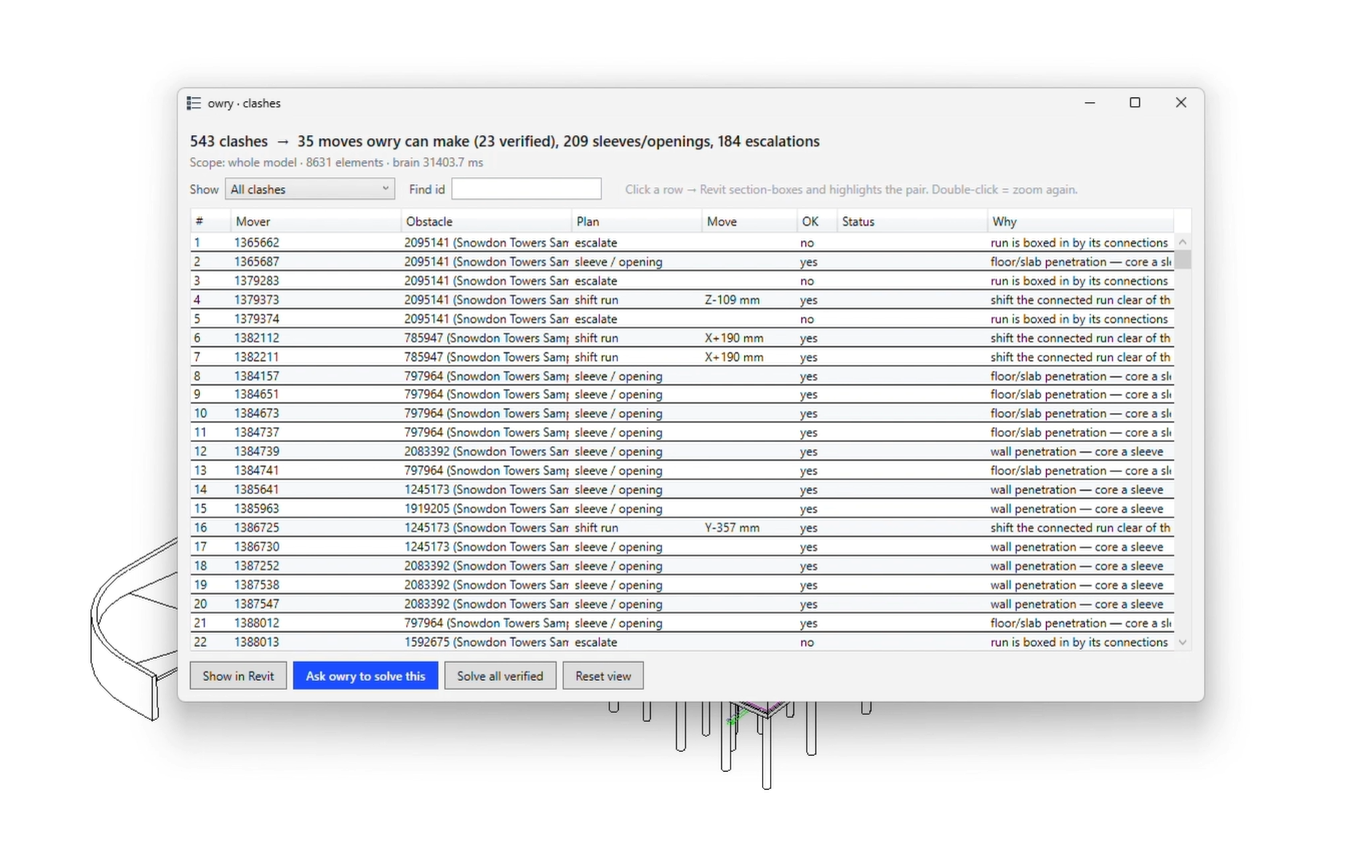
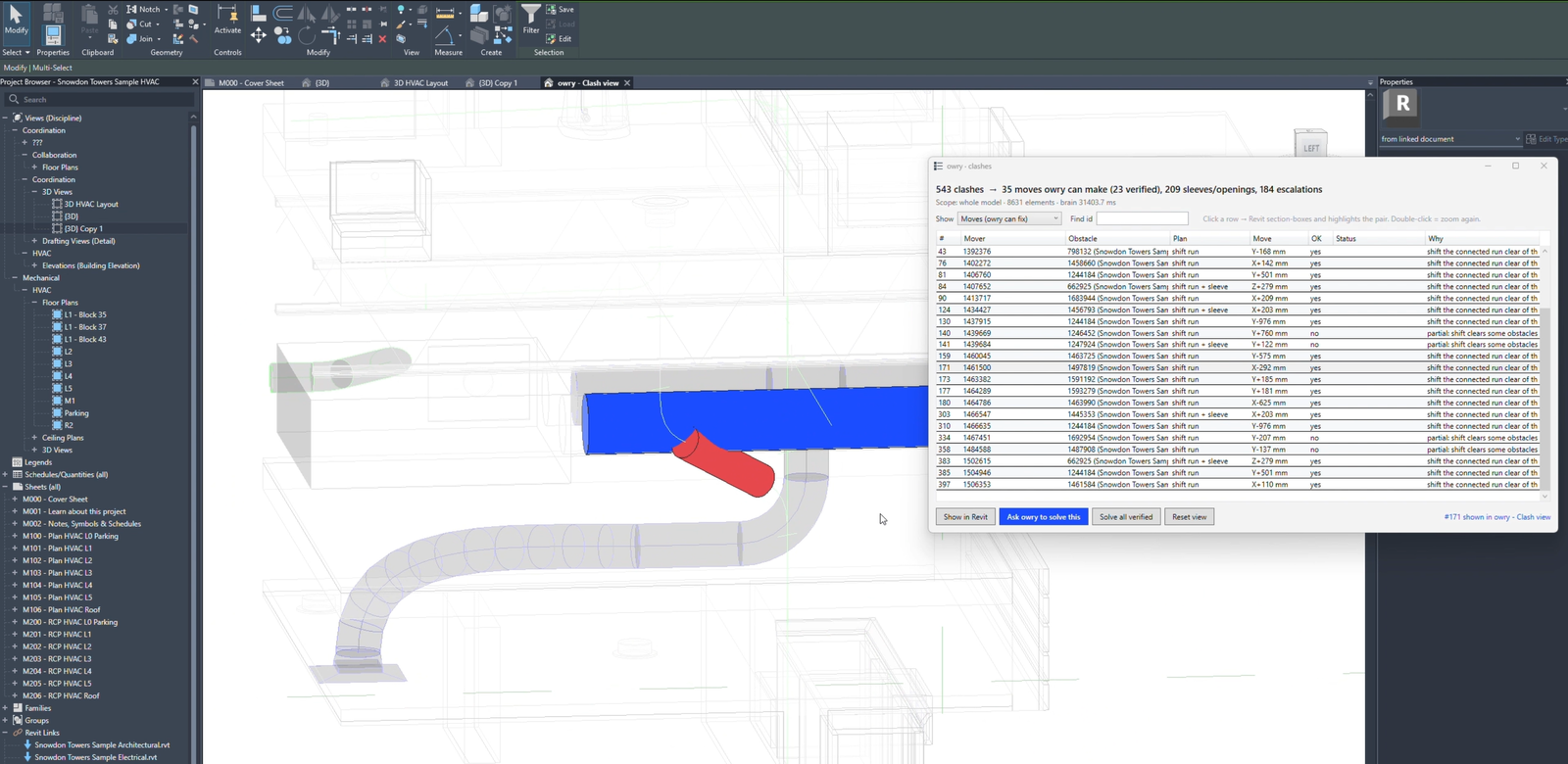
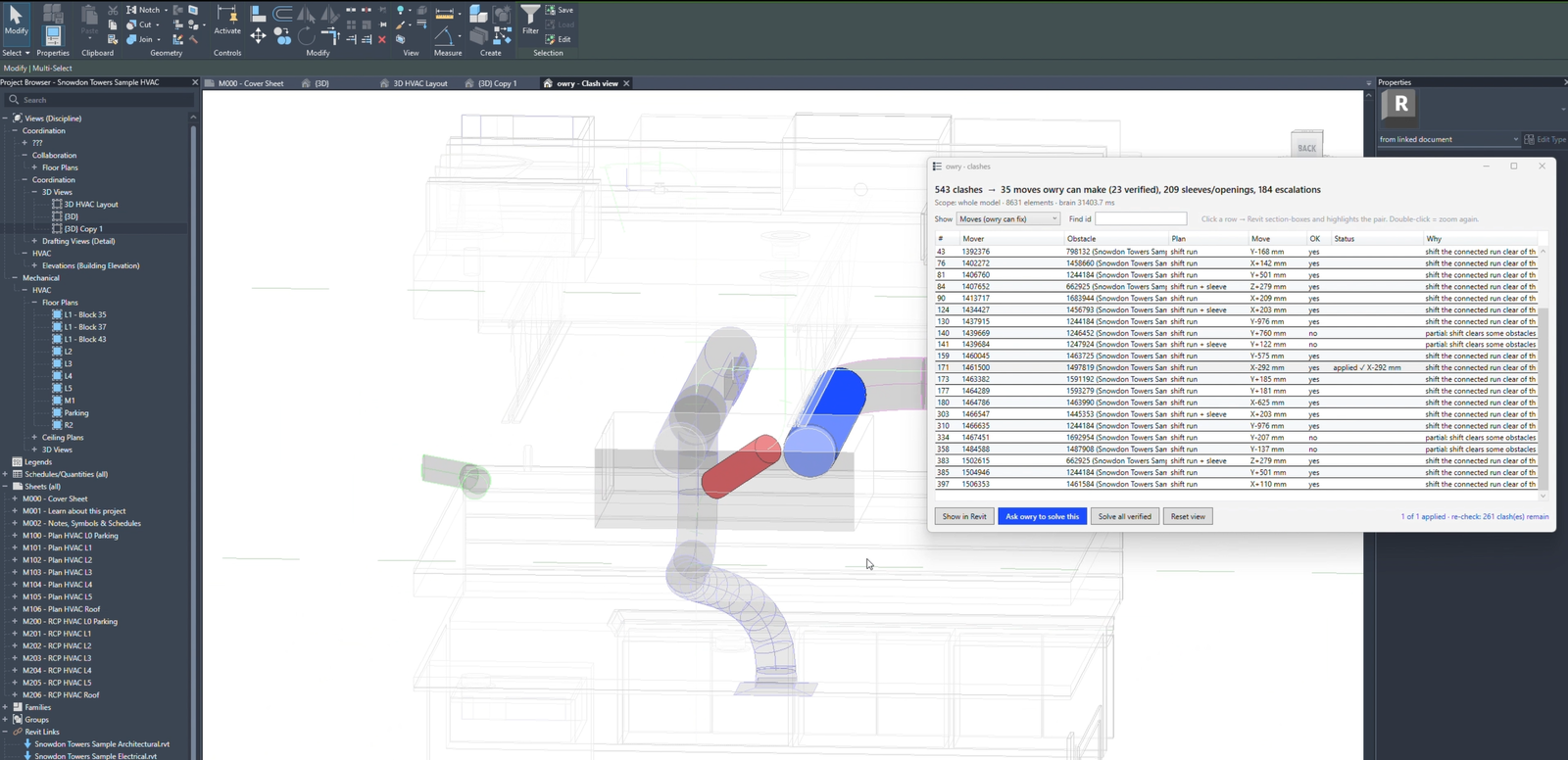
Demo on a sample building.

Most clashes are correct designs.
Your software models a pipe running into a manhole, but not the opening in the manhole wall. So the checker reports a clash, even though the design is right. Today each one is documented, discussed and signed off with your client. One road engineering firm spent three hours in a meeting on a single clash.
Owry adds the detail. Your model is clash-free.
Owry finds the connections that only need detail and adds it: the opening in the manhole wall, the pipe end cut at the inner wall face, the wall penetration where a pipe passes through a wall. Then it re-checks. No list of accepted clashes, no sign-off loop.
Only what is really built
Owry only adds openings and cuts that exist on site. It never moves or shrinks elements to quiet the checker.
Quantities stay right
Your quantities come from the IFC. Because Owry only adds detail that is really built, they match what gets built.
Real errors stay visible
A pipe running into the wrong manhole is a real error. Owry sends it to your engineer with the reason.
What you hand over: a clash-free IFC, clash reports before and after, and a list of every change.
How it works.
Like a detailer on your team, Owry models the connections your software leaves out. You approve.
Upload your model
Send the IFC export from ProVI, CARD/1, Civil 3D or any other design tool.
Owry sorts and adds detail
It separates connections that only need detail from real conflicts, adds the detail and re-checks.
Approve the rules once
Your engineer decides which connection types Owry may add detail to. Real conflicts come to you with a suggested fix.
Hand over
A clash-free IFC, clash reports before and after, and the change list.
Made for your projects.
Roads
Pavement layers, kerbs, drainage and utilities.
Bridges
Abutments, bearings, drainage and cable ducts.
Railways
Track, platforms, cable routes and drainage.
What Owry checks.
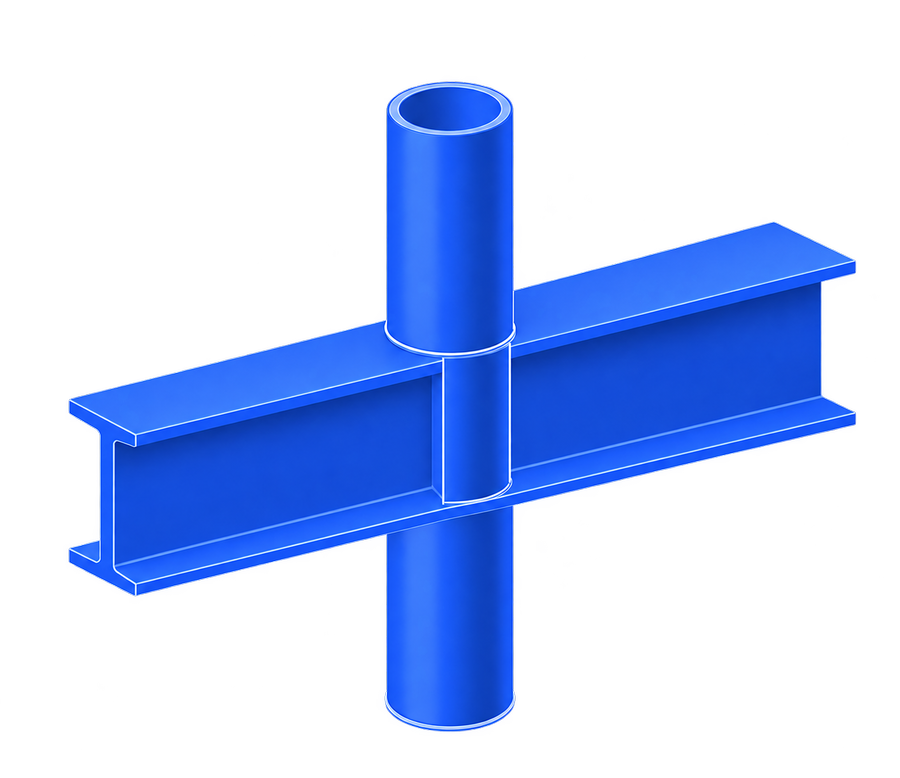
Hard clash
Two elements in the same space.
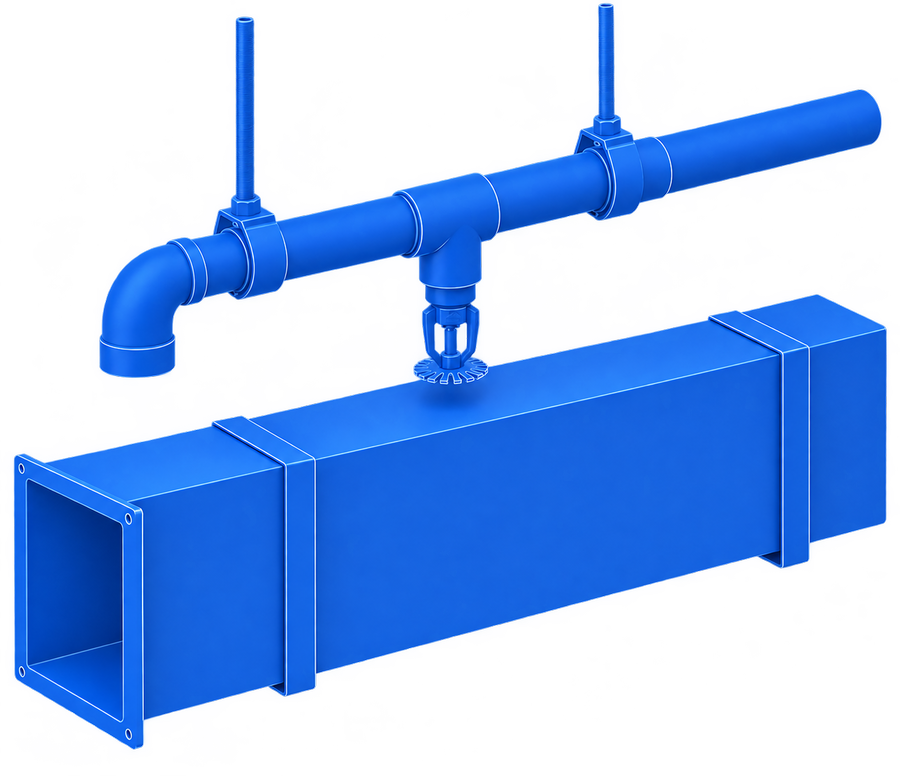
Clearance
Too close to another element.
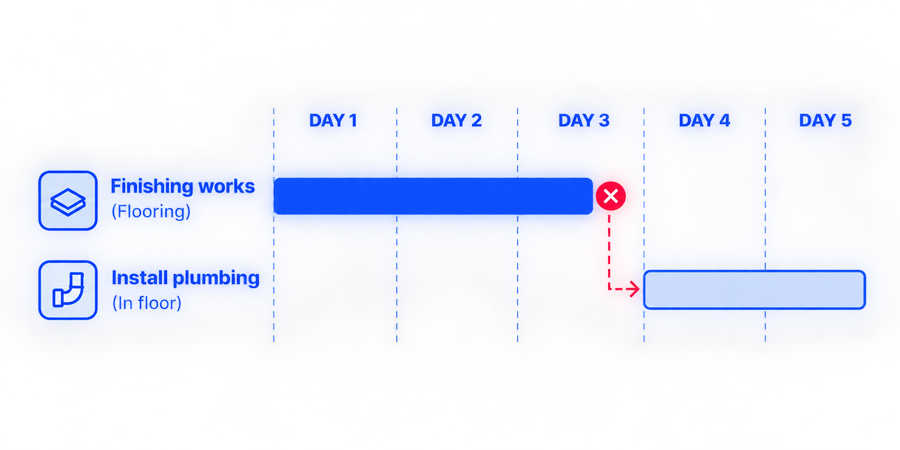
Sequence
Built in the wrong order.
Hard clashes caused by missing detail are fixed automatically by adding the detail. All other clashes go to your engineer.
You stay in control.
You approve the rules
Your engineer decides which connection types Owry may add detail to. Nothing else changes.
Every change is logged
Each fix and reason is in the report.
Your data stays in Germany
Hosted in a German data centre.
Open formats
IFC in. IFC, BCF and PDF out.
Questions
What does Owry do?
It adds the detail your design software can't model, such as openings in manhole walls, so correct designs stop showing up as clashes. You hand over a clash-free IFC. Real conflicts go to your engineer.
Does Owry just hide clashes?
No. Owry only adds detail that is really built. It never moves or shrinks elements to pass the check. Real errors stay visible and go to your engineer.
What about quantities?
They stay right. Your quantities come from the IFC, and Owry only adds openings and cuts that are really built, so they match what gets built.
Do my drawings still match?
Your drawings come from your design model. Owry's change list shows every element it touched, so you can keep drawings and model in line.
What is design intent?
What each element is for and how it connects. It is how Owry knows that a pipe entering its own manhole needs an opening, not a fix.
Do I need to change my software?
No. Owry works with the IFC export from your design tool. Keep your clash checker too.
Does Owry change my model without asking?
No. Your engineer approves the connection types first, and Owry never resolves a real conflict without approval.
What do I get back?
A clash-free IFC model, clash reports before and after, the change list, and BCF issues for any real conflicts.
Where is my data?
In a German data centre, inside the EU.

Send us one model.
We'll show you which clashes only need detail and which are real conflicts, and send the model back with a draft report. Or email aryan@owry.ai.
Founding Partners get a free Model Health Check and 25% off for life. Join →
Thanks.
We'll be in touch shortly.